The V.Sea
The V.Sea is a graphic device reflecting the digital network and technological capability that underpins everything we do. It’s an interactive asset inspired by the sea, that comes to life in motion but can also be used as a static image to provide richness and an extra layer of distinctiveness to all our applications.
Overview
The V.Sea is a visualisation of the technological and natural environments that V. masters like no other. It comes in three different versions - static, motion and responsive, as well as multiple crops for variable usage across applications.
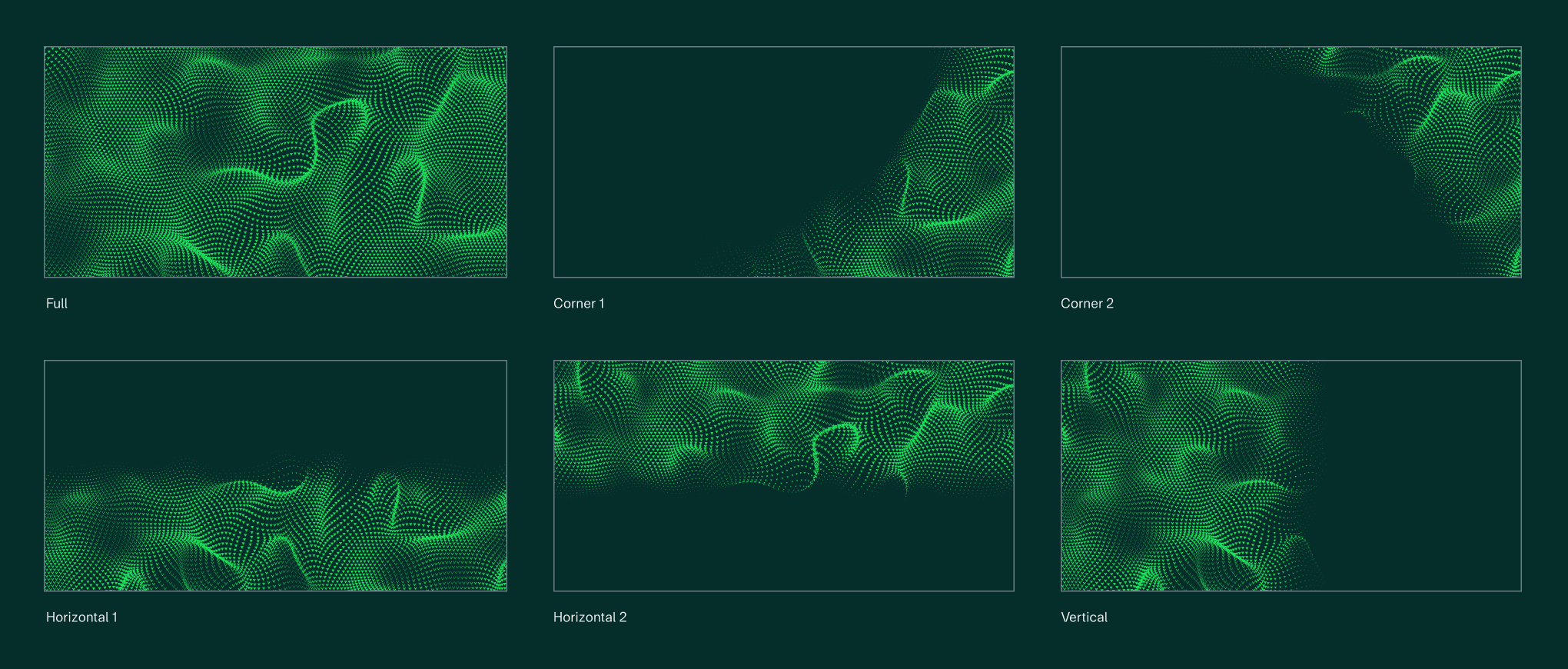
Static
Our static version of the V.Sea adds richness and texture. It can be used across digital and print applications.

Animated
Our animated version of the V.Sea adds movement to the mix for a richer, more engaging brand experience. We use this on digital applications.
Responsive
Our responsive V.Sea state is our most dynamic version, reacting to the movement of the user’s mouse to change the flow. We use the responsive graphic sparingly for impact, for example on the website landing page.
Details and principles
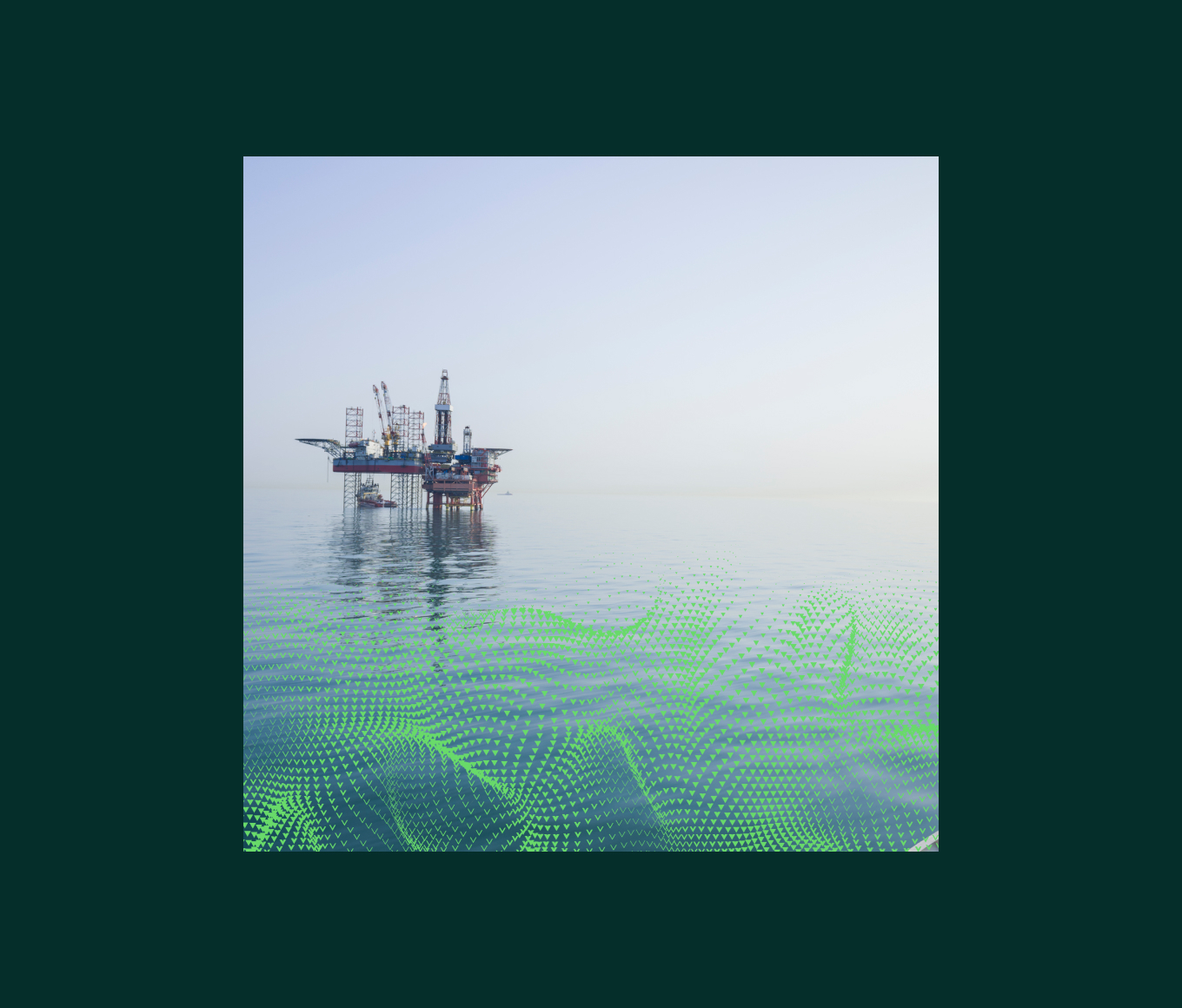
We make sure to use a crop of the V.Sea that is confident and dynamic, bringing visual richness to our applications.
We avoid the V.Sea overly dominating the image by keeping the pattern scale small, so several ‘waves’ are included. The V.Sea is a supporting element in applications.
In using the V.Sea we make sure not to overload the composition, keeping a balance of visual noise and ensuring the main focus remains clear. The V.Sea should never add visual clutter.
Our V.Sea comes in a range of brand colours. For each application, we use a colour that compliments the rest of the elements, and doesn’t clash with the rest of the composition.
Using the V.Sea in layouts
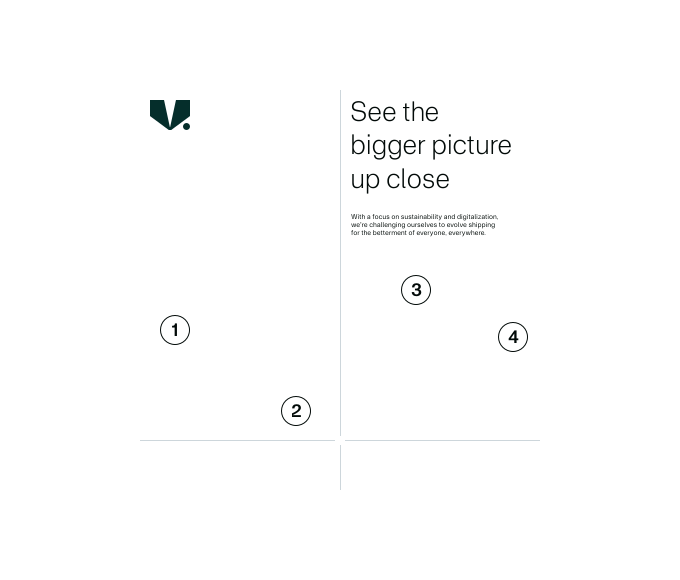
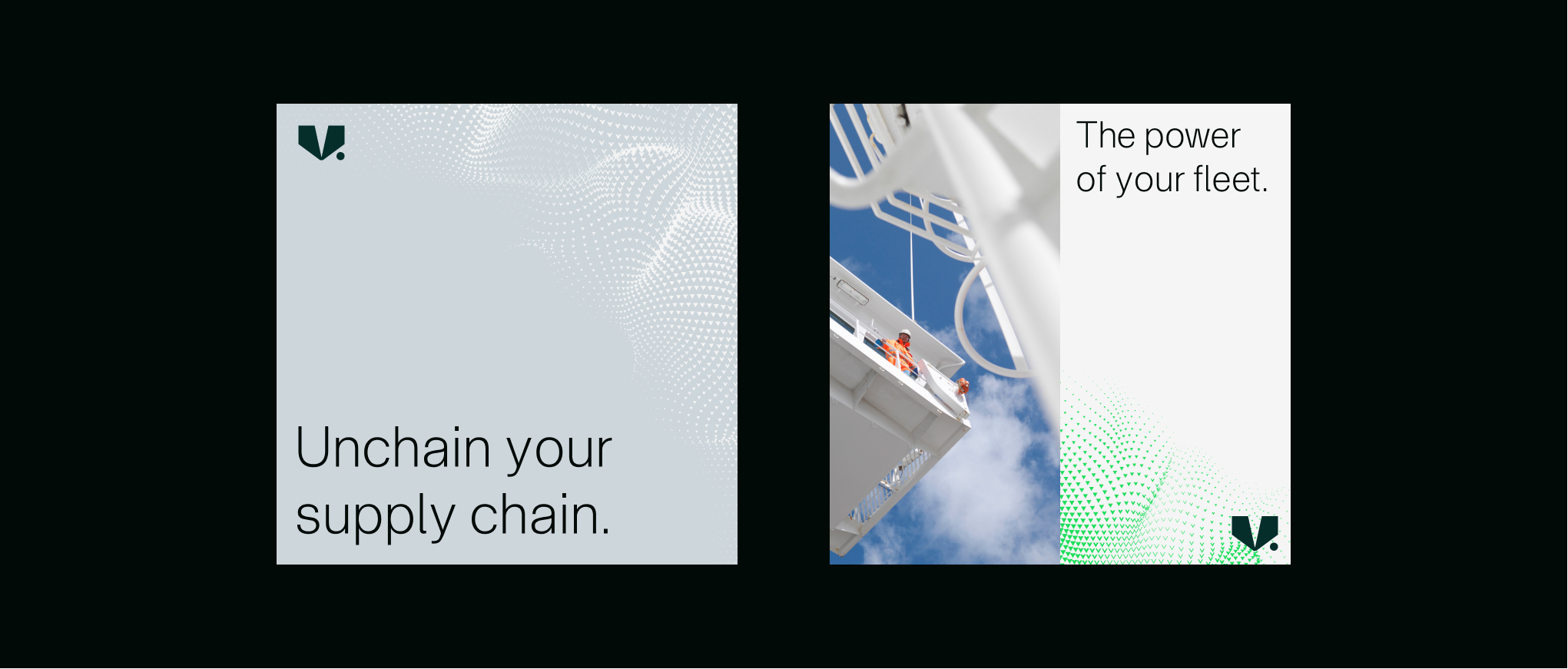
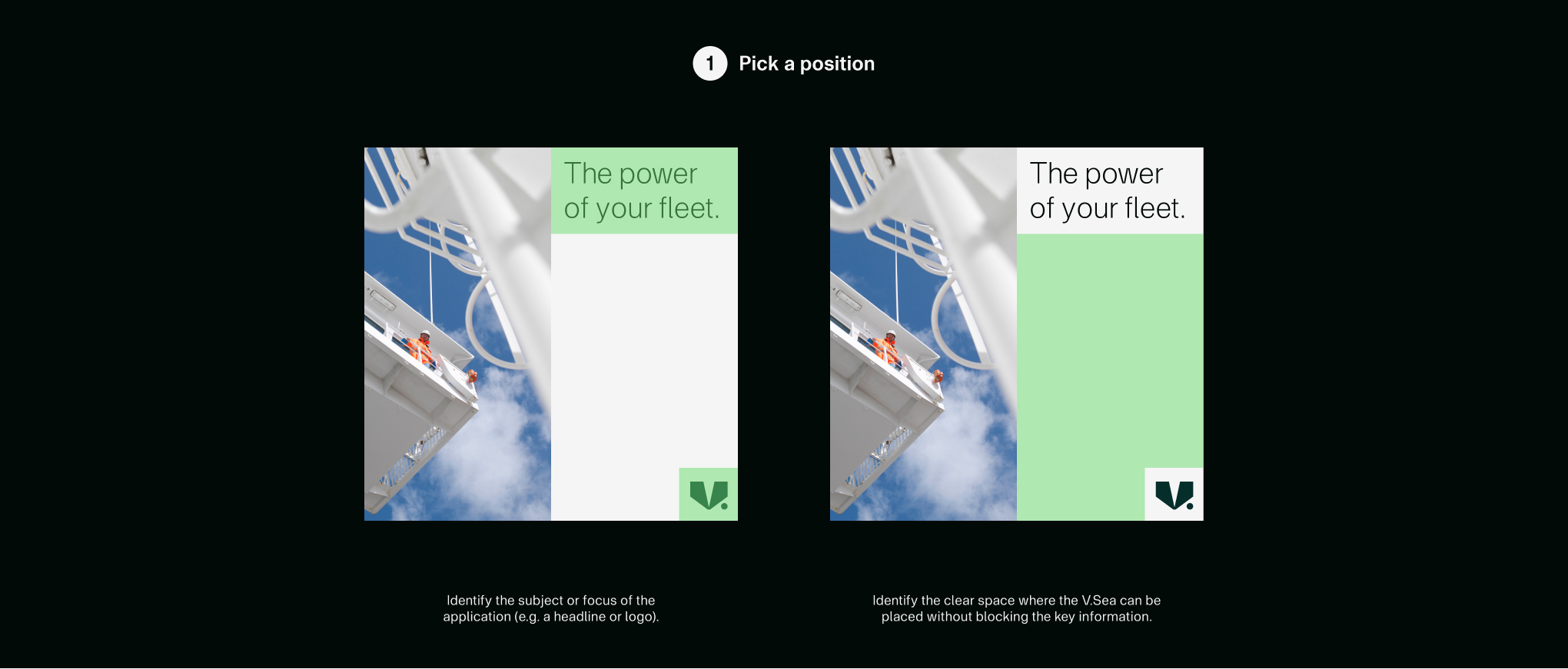
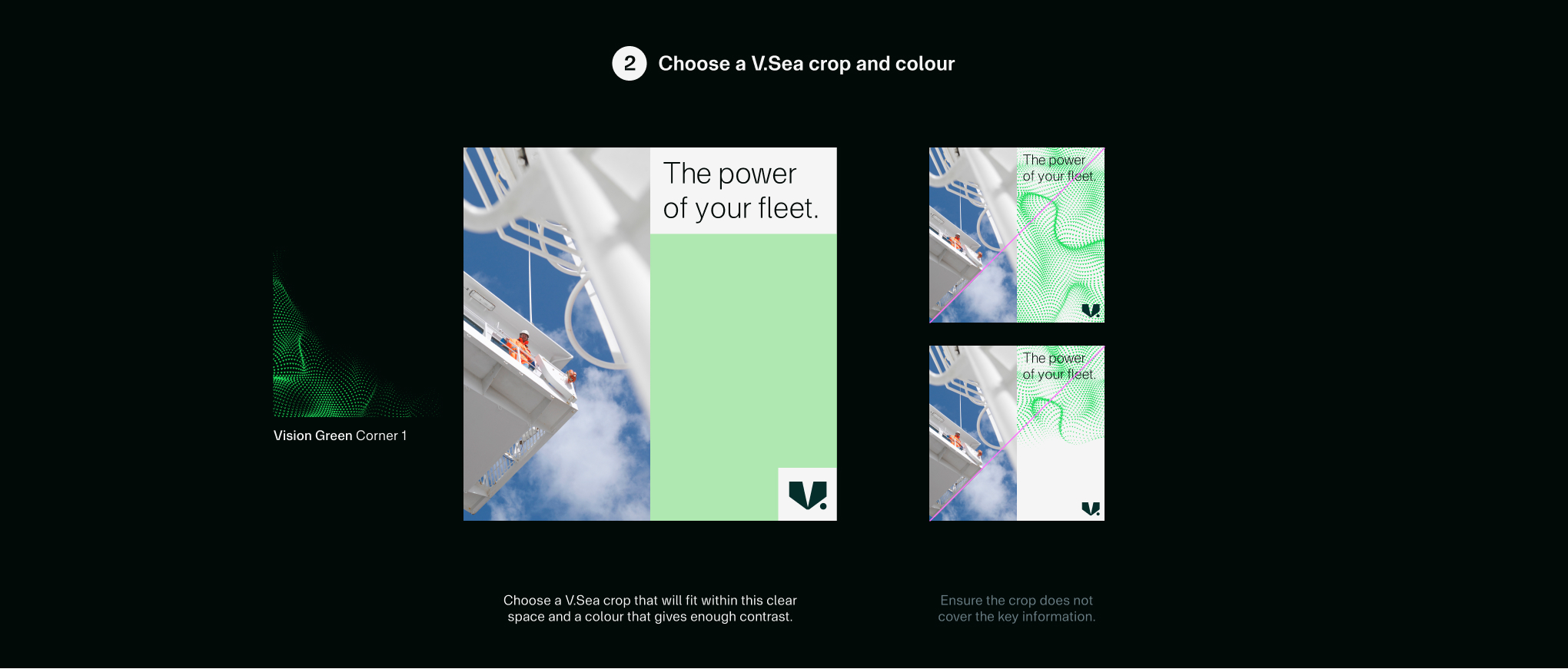
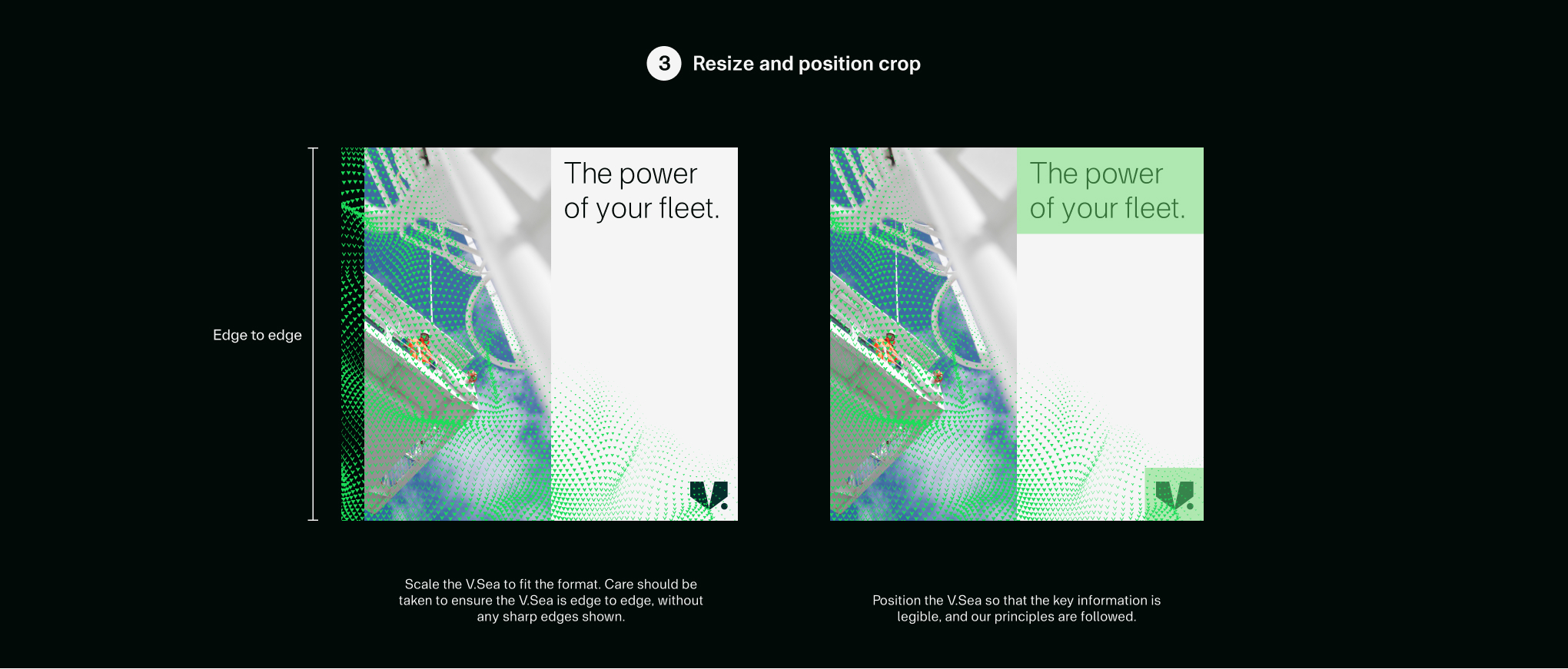
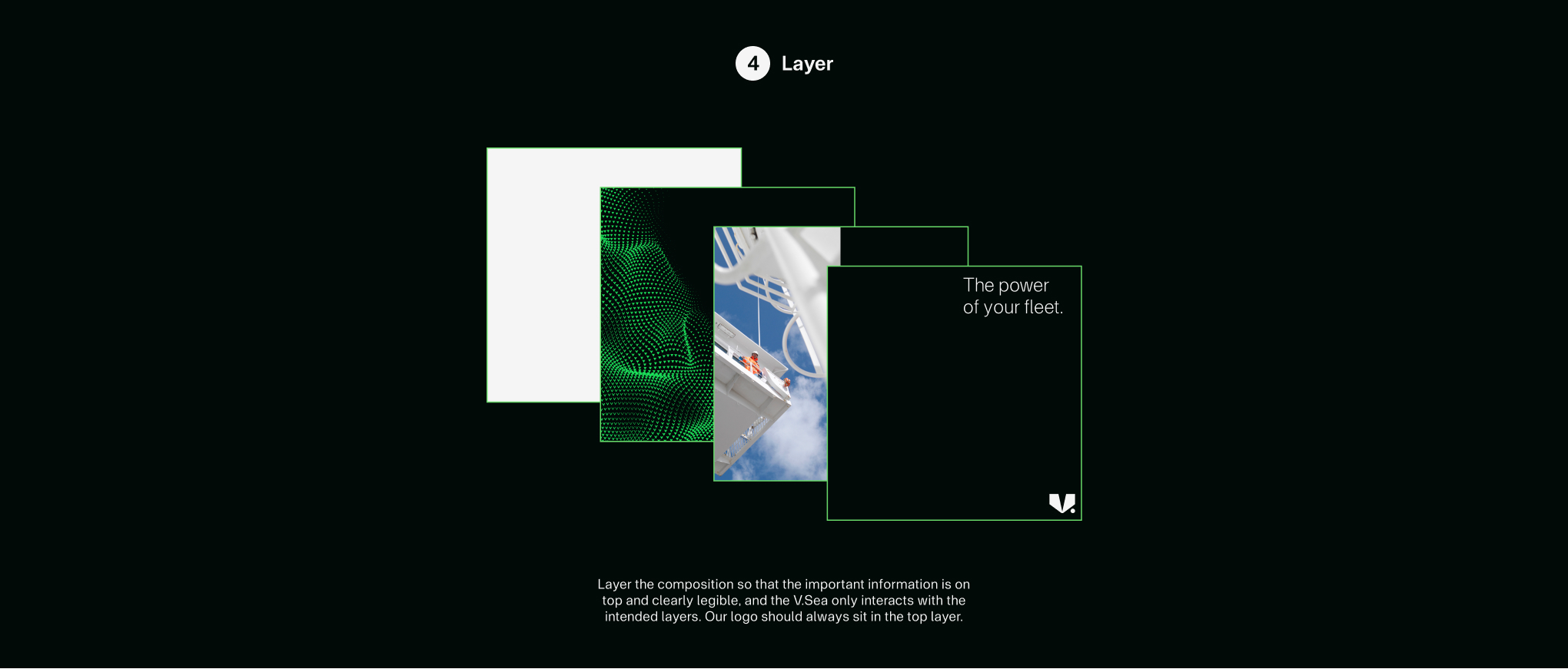
The V.Sea adds an extra element of depth and richness to our communications layouts. To maintain consistency, we follow the principles outlined below.
Using the V.Sea on imagery
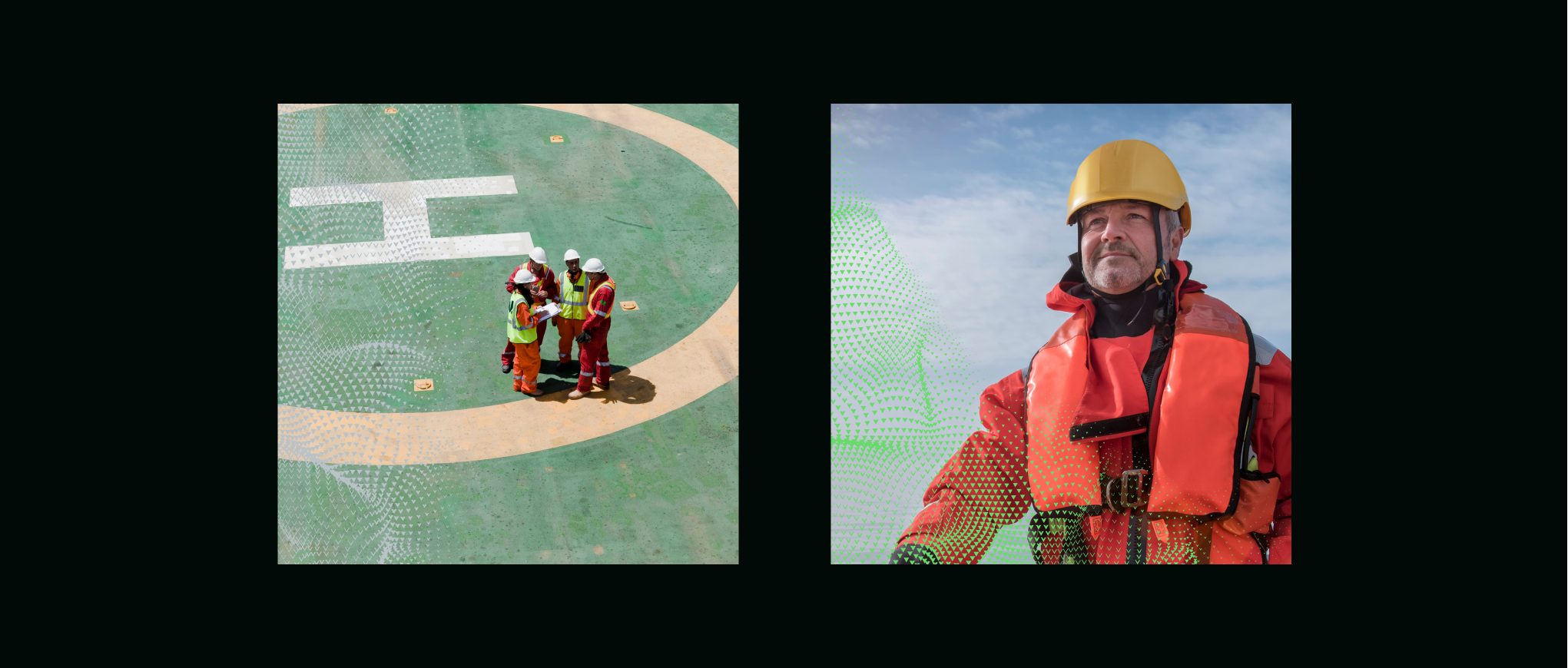
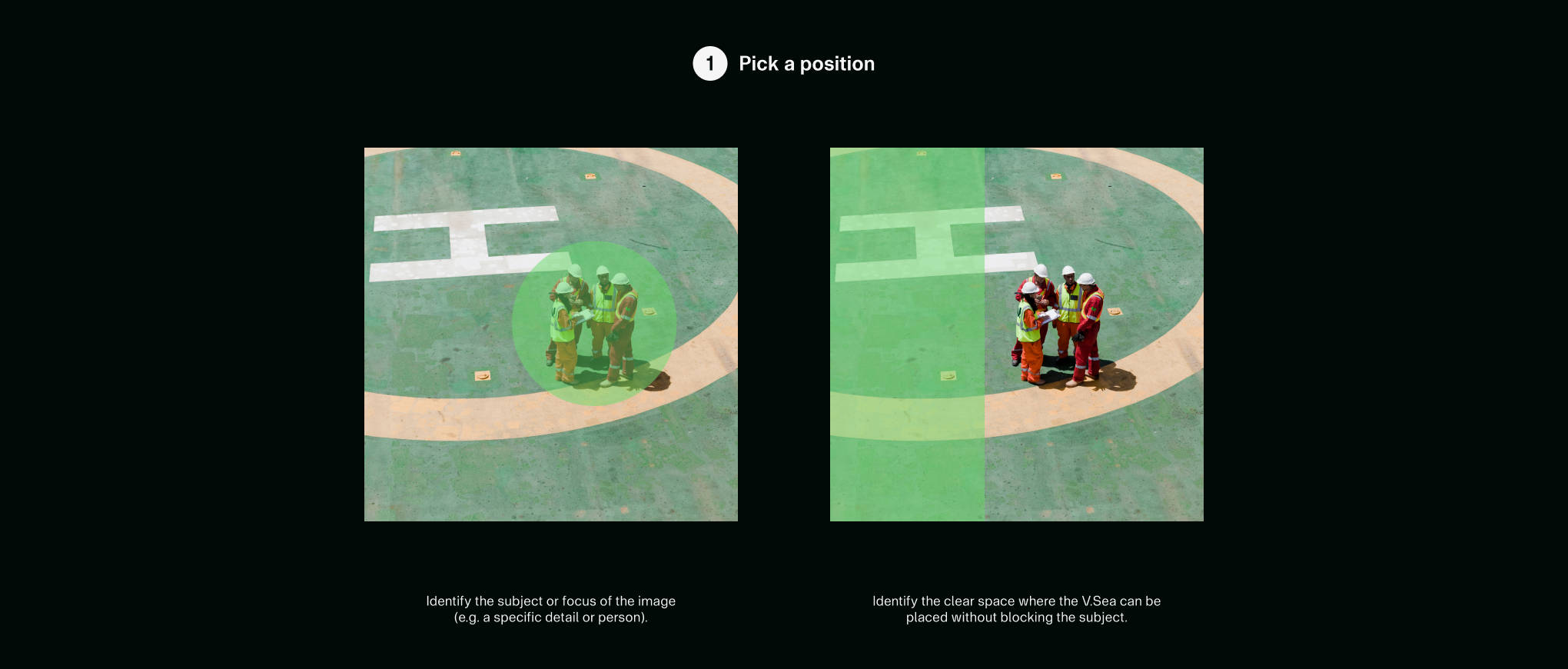
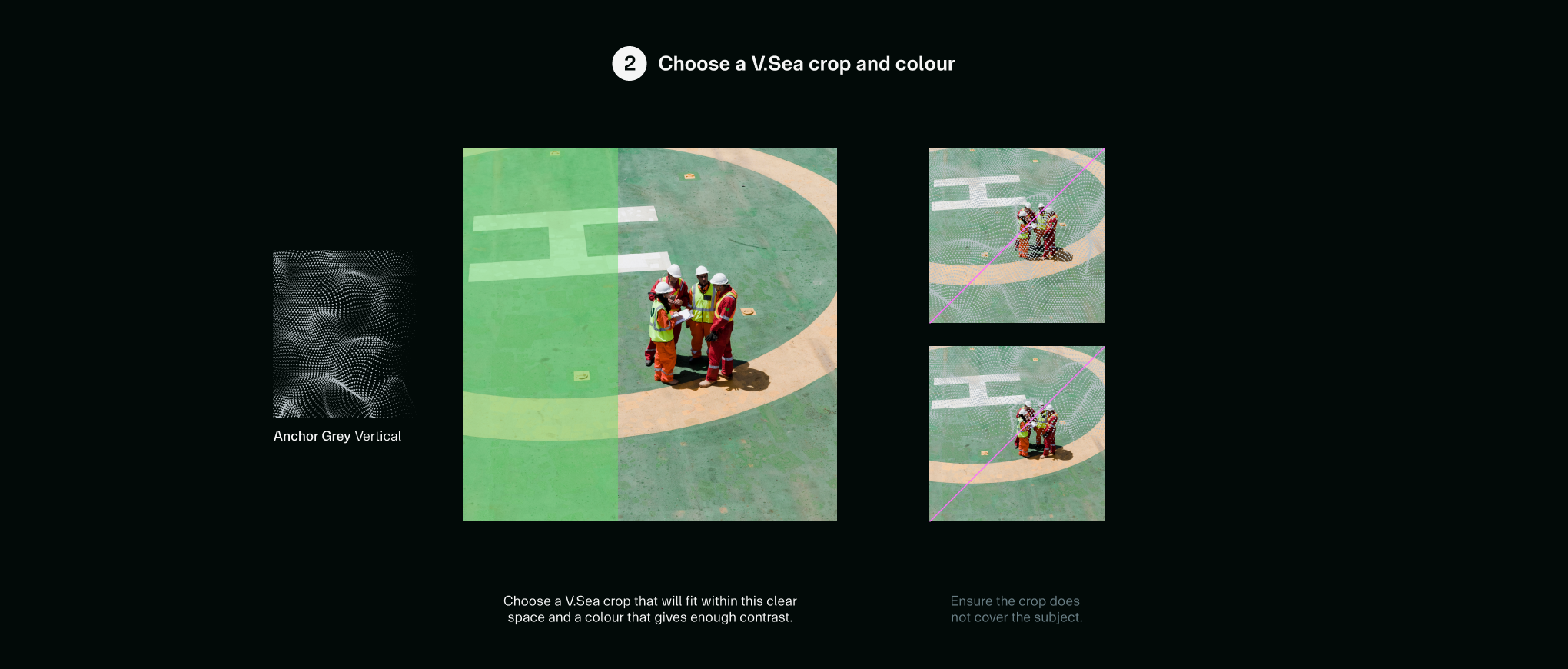
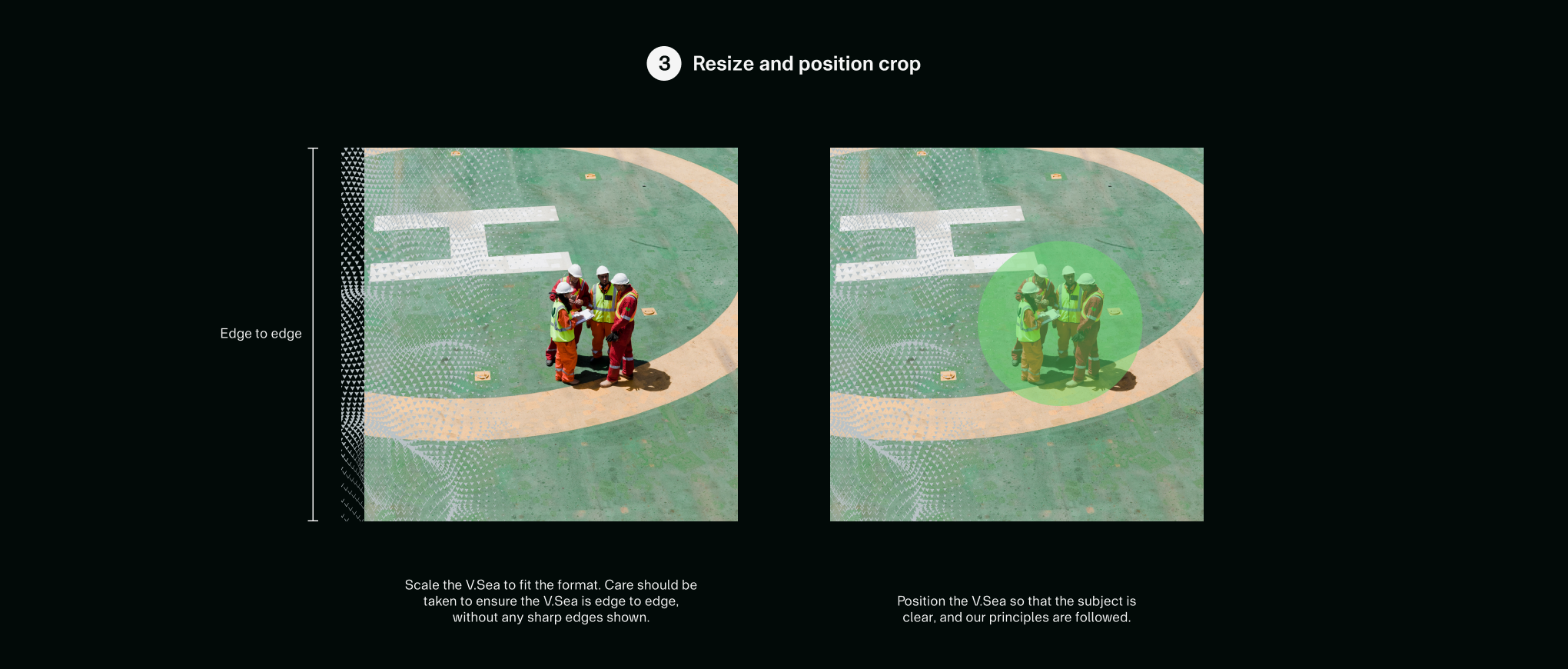
The V.Sea can be overlayed with imagery for a distinctive and ownable look. To maintain consistency, we follow the principles outlined below.
Crops and colours
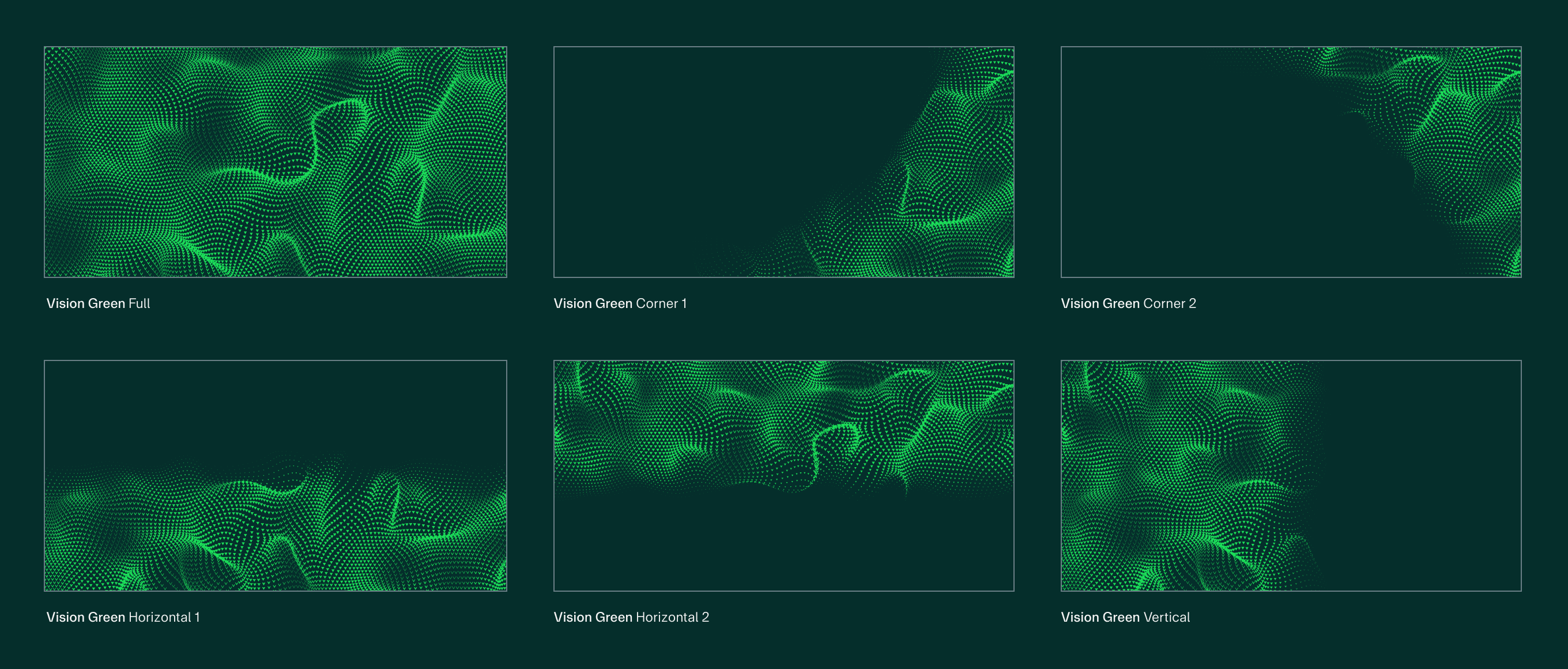
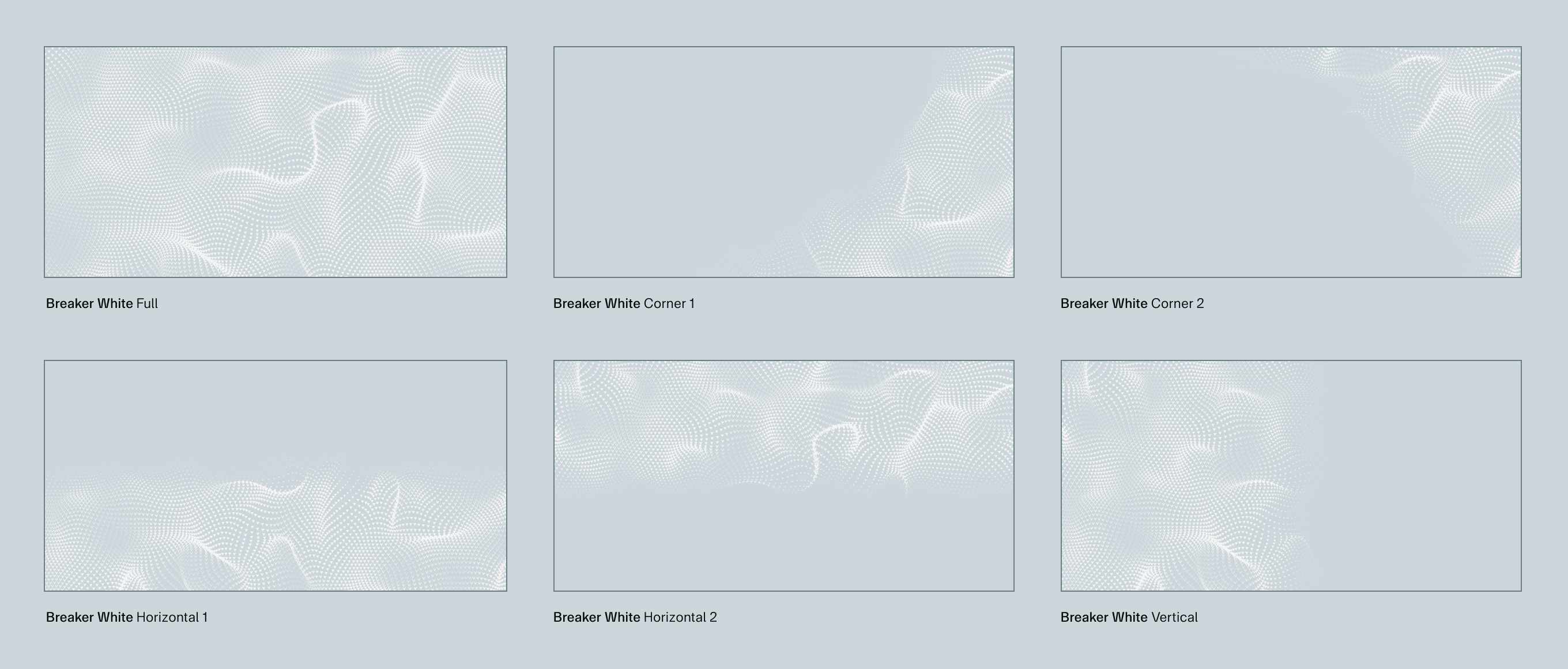
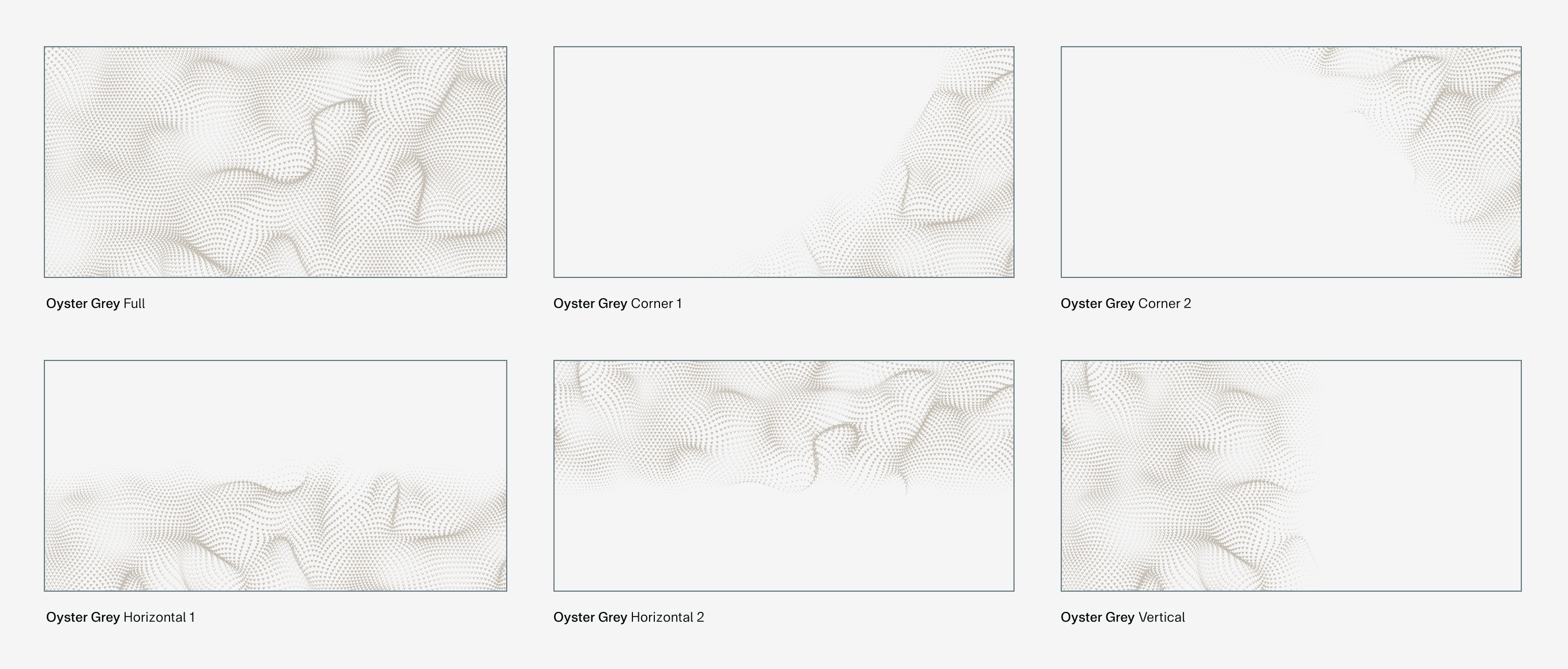
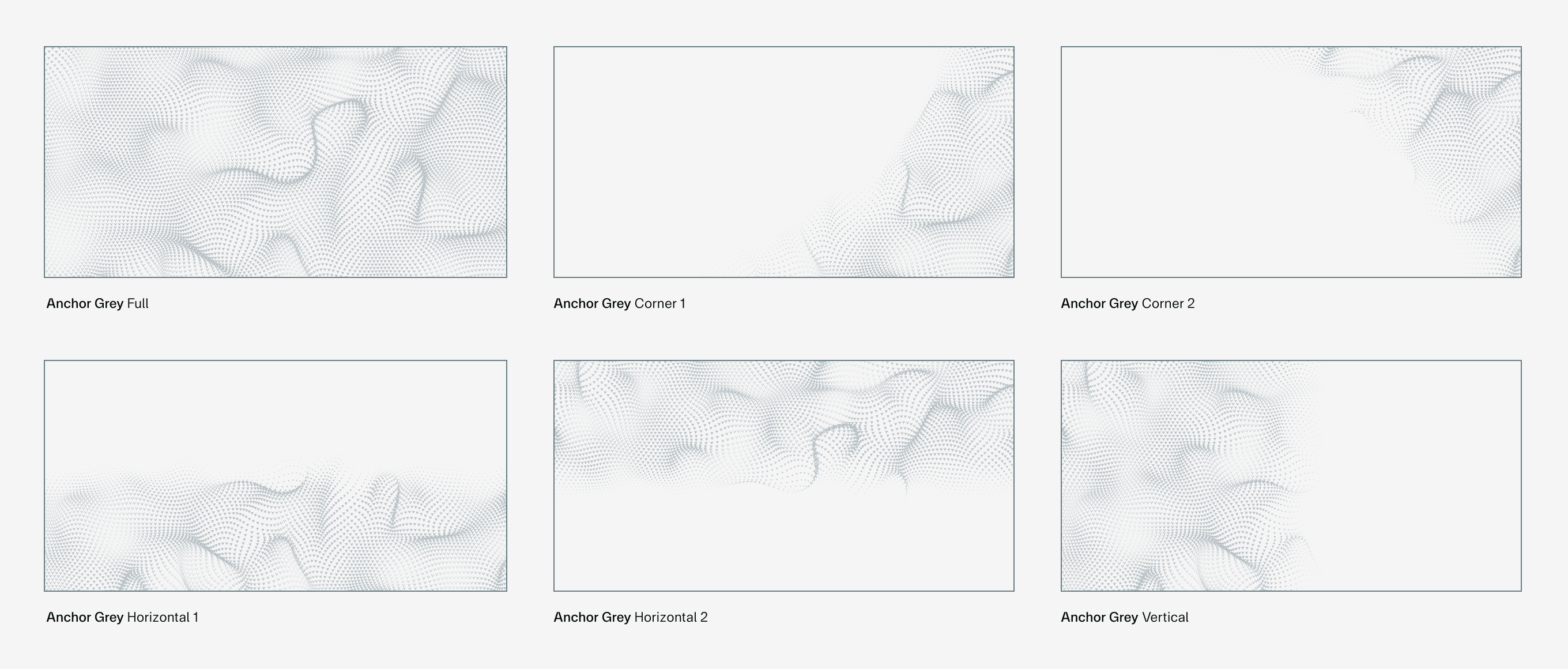
Our static V.Sea can be used in a multitude of crops and variations across four of our brand colours: Vision Green, Breaker White, Oyster Grey and Anchor Grey. This allows flexibility to fit any application and stand out across any background colour or image.
In use
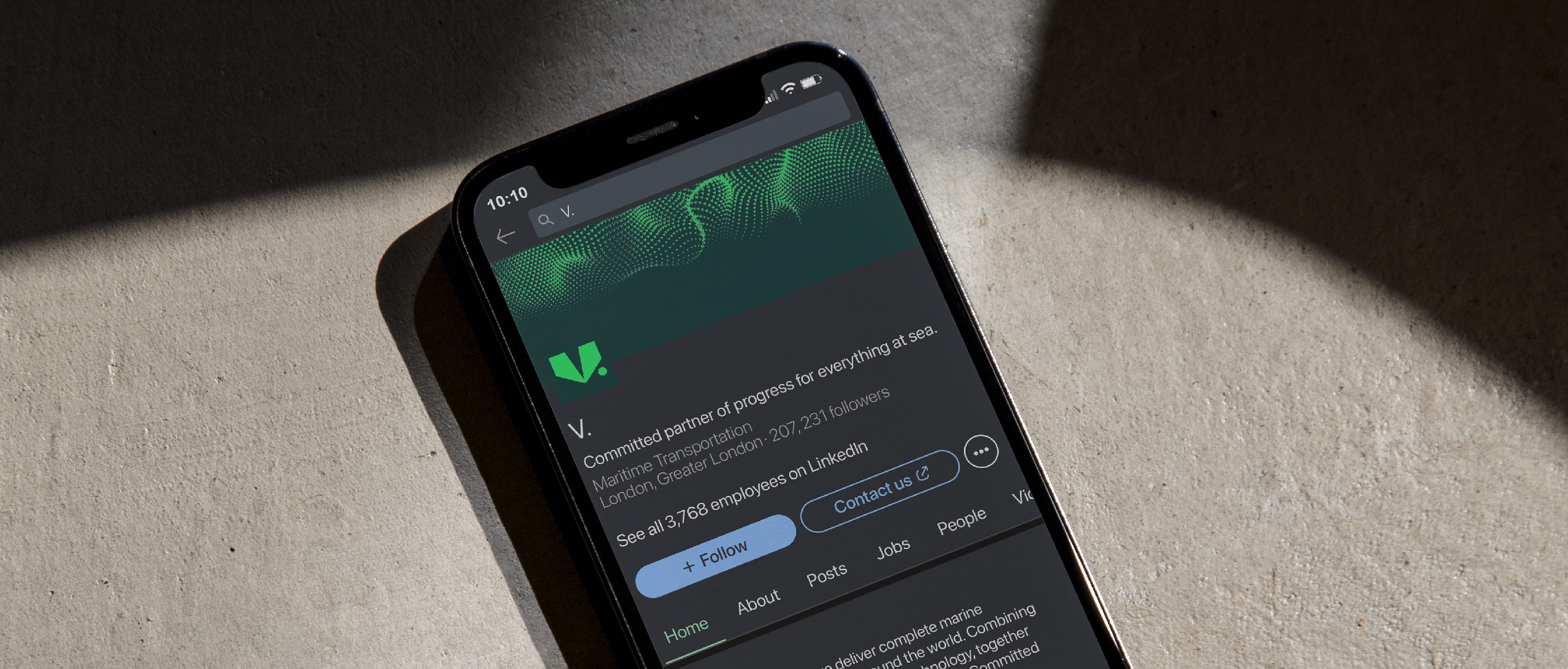
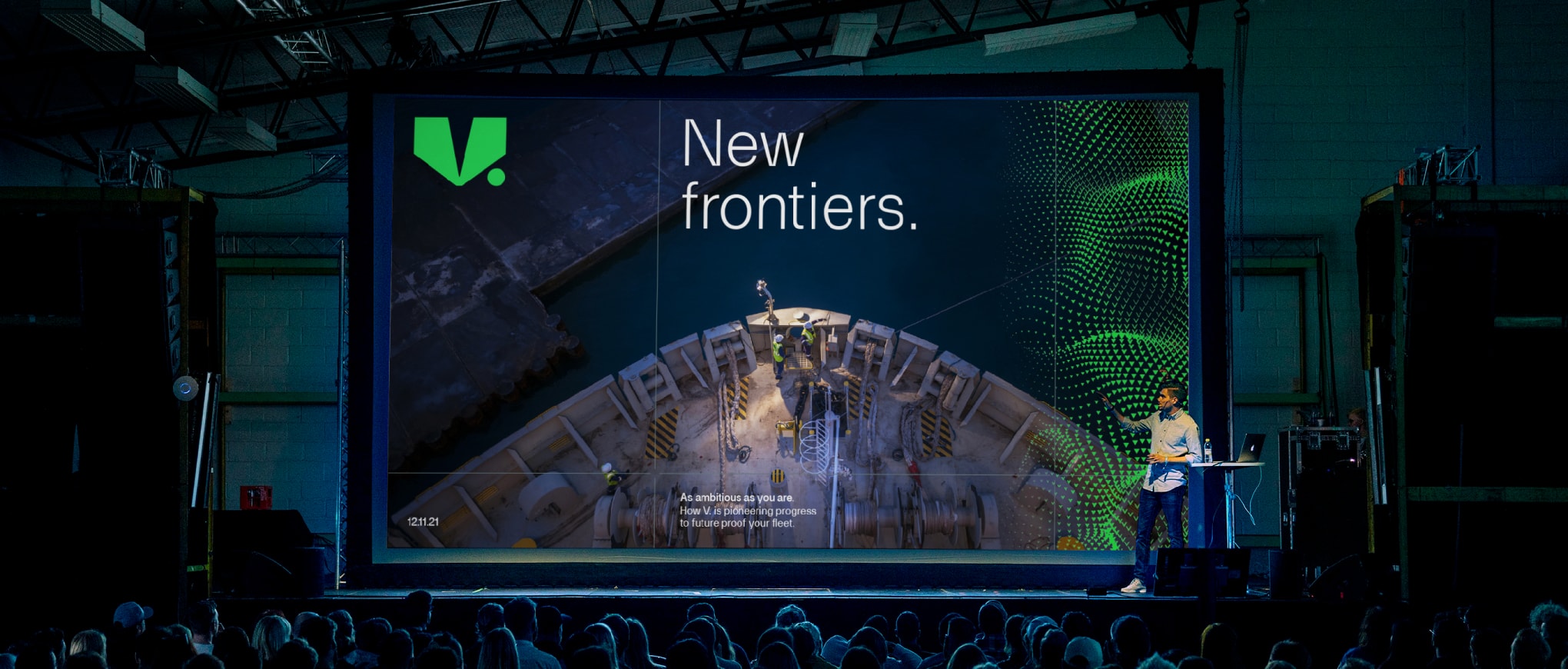
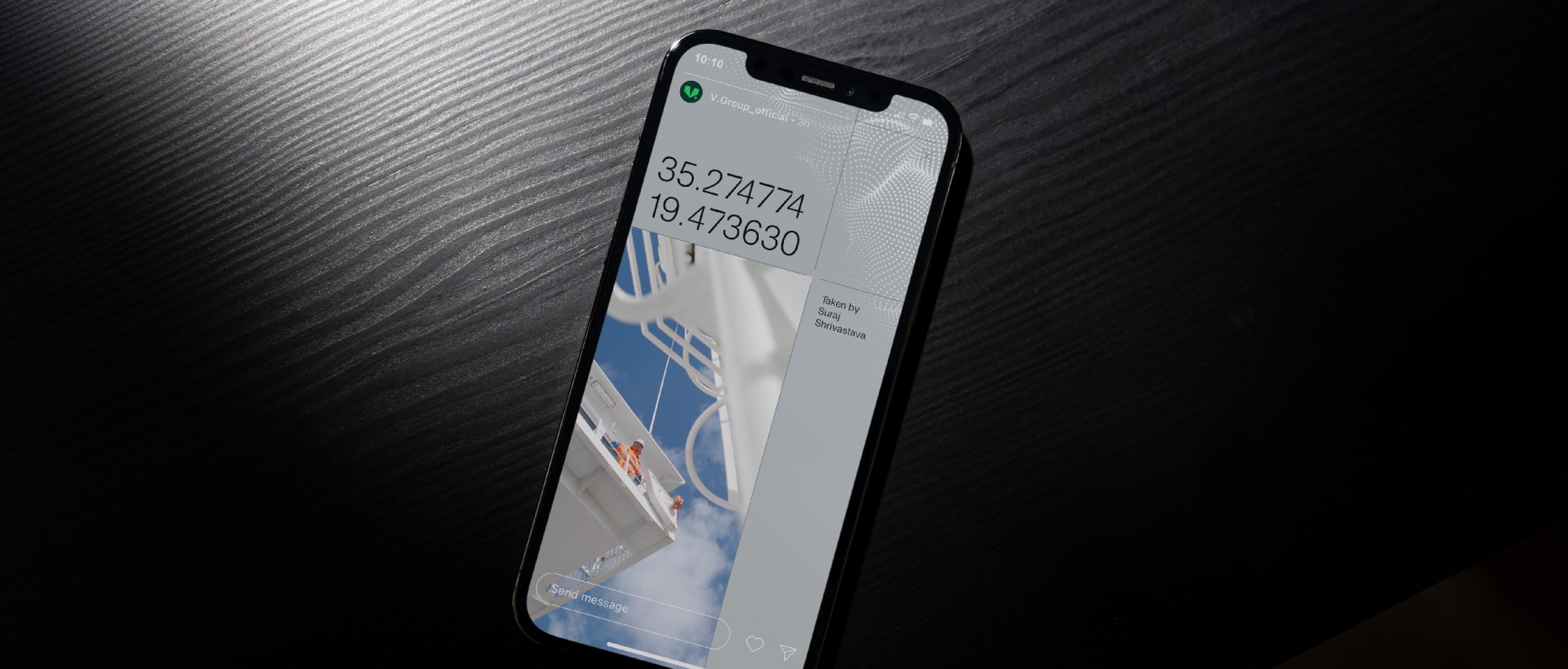
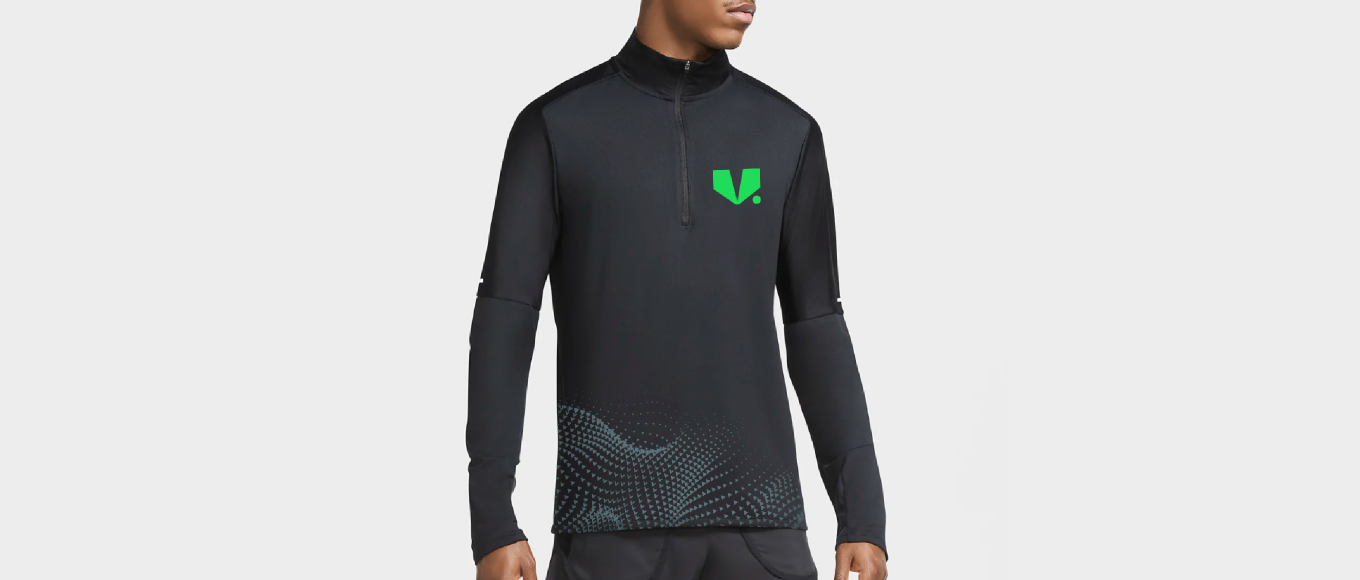
Things to avoid
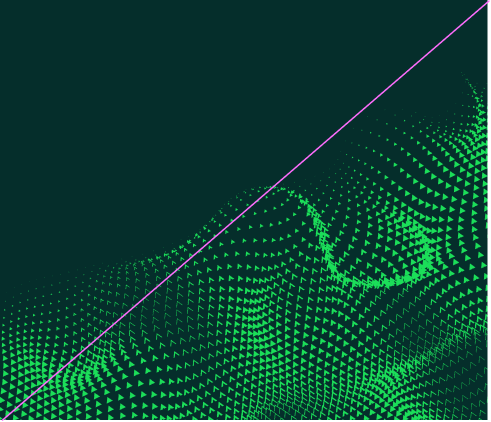
Do not flip or rotate the V.Sea.
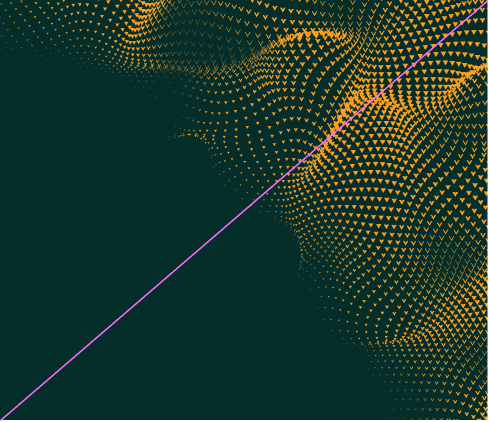
Do not use the V.Sea in any of the non-specified brand colours.
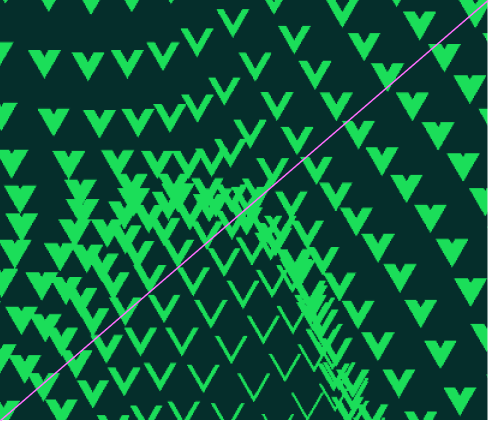
Do not use the V.Sea at a scale where it dominates the application.

Do not place the V.Sea on top of key messaging or logos.
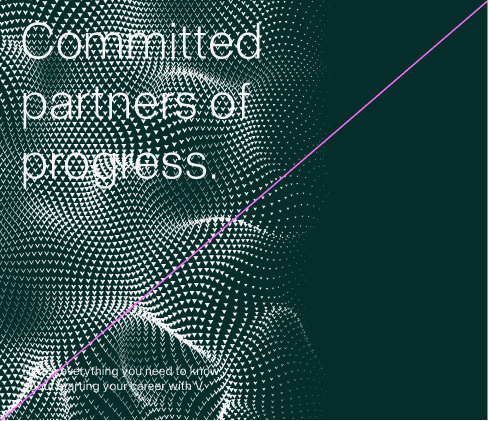
Do not use the V.Sea in the same colour as key messaging.

Do not use the V.Sea in a way that covers the subject of an image.
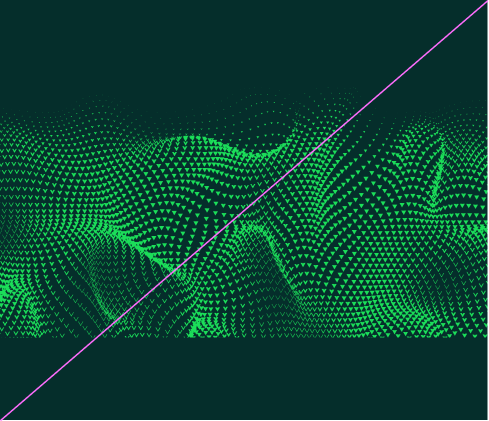
Do not crop the V.Sea in a way that shows a sharp edge.
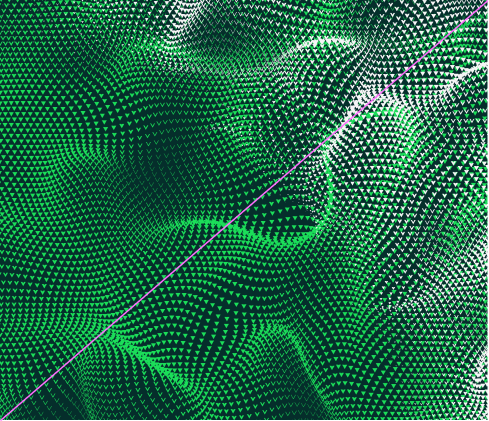
Do not use or overlay multiple instances of the V.Sea.